TikTok Safe Zone
TikTok Safe Zone Preview
Upload your TikTok design and instantly see which areas are hidden behind TikTok's native UI — the right-side action bar, bottom caption area, and navigation tabs. No login, no watermark, completely free.
Platform
2. Upload Asset
Images: PNG, JPG, WebP · Videos: MP4, WebM, MOV
Drag & drop your file here
Images: PNG, JPG, WebP
Videos: MP4, WebM, MOV (max 200 MB)
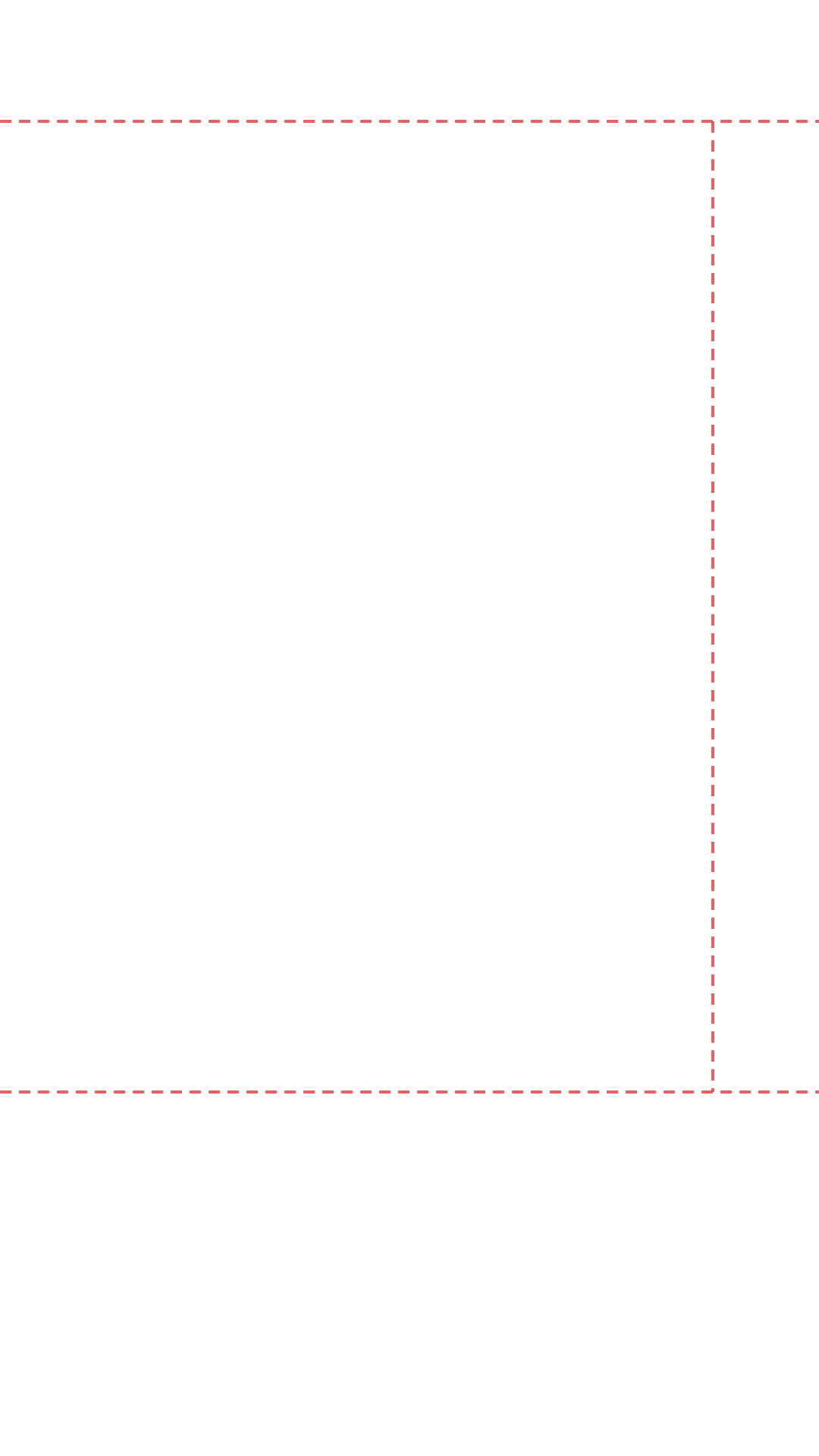
TikTok Safe Zone Dimensions
Canvas Size
1080 × 1920 px
Aspect Ratio
9:16
Right Margin
~140 px
Top Margin
~160 px
Bottom Margin
~480 px
Safe Width
~940 px
What Is the TikTok Safe Zone?
The TikTok safe zone is the area of your 9:16 video frame that remains fully visible to viewers after TikTok renders its native UI on top. When you post a video, TikTok automatically overlays several interface elements that cannot be moved or hidden — and any part of your design that falls behind these elements will be invisible to your audience.
The most significant overlay is the right-side action bar, which contains your profile avatar, the Like button, the Comment button, the Bookmark button, and the Share button. This stack runs from approximately 160px from the top of the frame down to around 480px from the bottom, and occupies roughly 140px of horizontal space on the right edge of your canvas.
The bottom of the frame is equally important. TikTok reserves the bottom 480px of a 1920px-tall canvas for the caption text, hashtags, music attribution bar, and the navigation tabs. If your logo, price, call to action, or any critical text sits in this region, it will be partially or fully hidden for every viewer watching on a standard mobile device.
How to Use the TikTok Safe Zone Template
To use this tool as a reusable TikTok safe zone template, enable the "Safe-Zone Grid Only" toggle after uploading your image. This displays clean dashed boundary lines without the simulated UI. Take a screenshot of those lines and import them as a locked overlay layer in Canva, Figma, or Adobe Express. Every future TikTok design you create in that file will automatically respect the safe zone boundaries.
TikTok Safe Zone vs Instagram Reels Safe Zone
Both TikTok and Instagram Reels use the 9:16 aspect ratio at 1080×1920px, but their safe zone margins differ. TikTok's bottom margin is larger (480px) compared to Instagram Reels (380px), and TikTok's right-side action bar is taller. If you cross-post the same video to both platforms, design to the TikTok safe zone — it is the more restrictive of the two, so content that fits TikTok will also fit Reels.