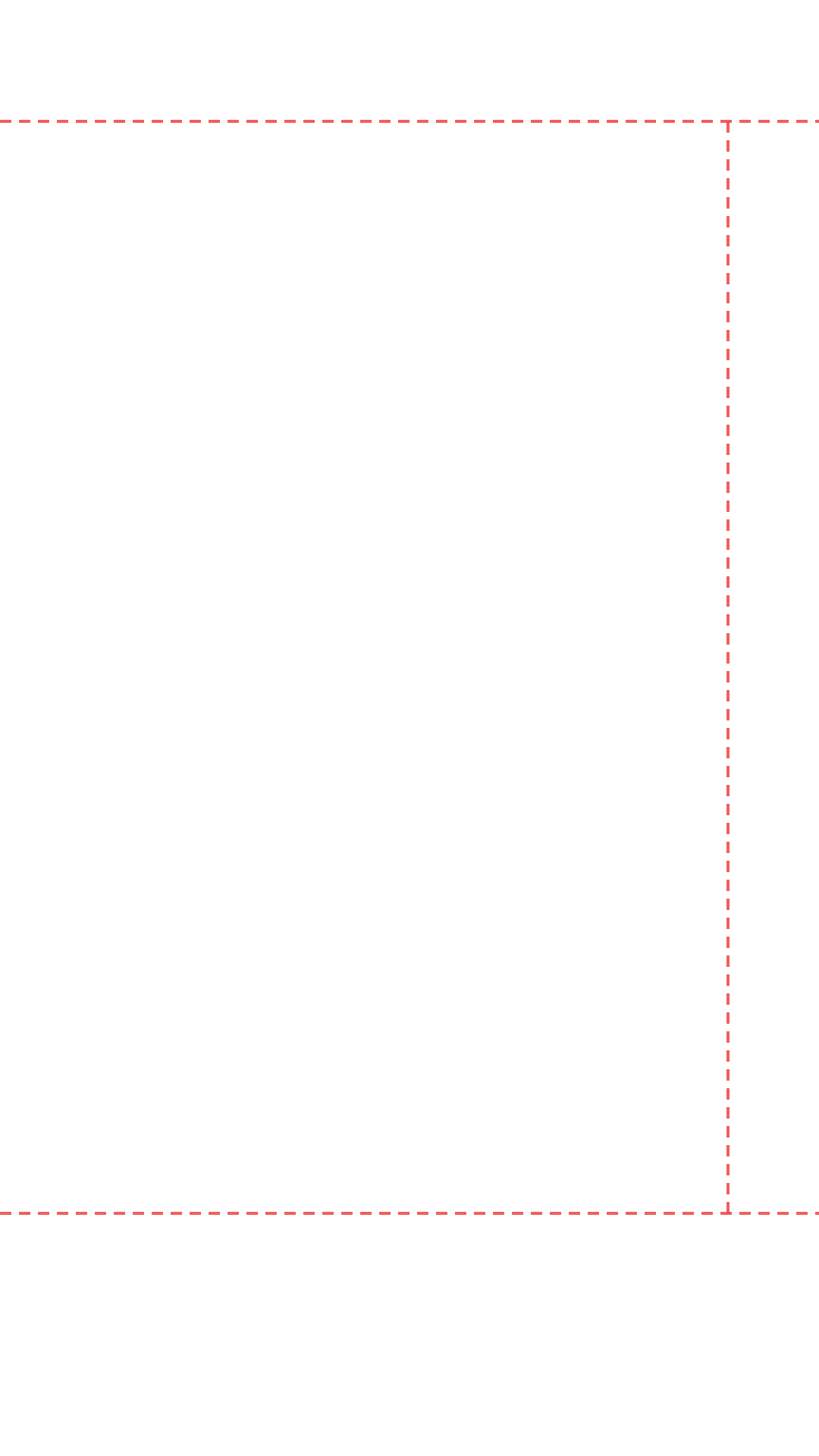
Snapchat Spotlight Safe Zone
Snapchat Spotlight Safe Zone Preview
Upload your Snapchat Spotlight design and instantly see which areas are hidden behind Snapchat's native UI — the ghost logo, countdown timer, reaction icons, username bar, and bottom navigation tabs. Free, no login required.
Platform
2. Upload Asset
Images: PNG, JPG, WebP · Videos: MP4, WebM, MOV
Drag & drop your file here
Images: PNG, JPG, WebP
Videos: MP4, WebM, MOV (max 200 MB)
Snapchat Spotlight Safe Zone Dimensions
Canvas Size
1080 × 1920 px
Aspect Ratio
9:16
Right Margin
~120 px
Top Margin
~160 px
Bottom Margin
~320 px
Safe Width
~960 px
What Is the Snapchat Spotlight Safe Zone?
The Snapchat Spotlight safe zone is the area of your 9:16 video frame that stays fully visible after Snapchat renders its native Spotlight UI on top. Snapchat Spotlight is the platform's short-form video feed — equivalent to TikTok's For You Page — and it has a unique overlay layout that differs significantly from other vertical video platforms.
The most distinctive Snapchat UI element is the ghost logo and countdown timer at the top of the frame. The ghost icon appears center-top, and a video duration timer shows in the top-right corner. Together these elements mean the top 160px of your canvas should be treated as a restricted zone for critical text or logos.
The right side of the Spotlight frame features a smaller icon stack than TikTok or Instagram — primarily reaction emoji, a comment button, and a share button — occupying approximately 120px from the right edge. This is the smallest right margin of any platform the tool supports, which means Snapchat gives you slightly more usable horizontal width than competitors.
The bottom of the frame reserves around 320px for the creator's username, a yellow Subscribe button, and the caption. Below that sits Snapchat's bottom navigation bar — a row of four icons (Camera, Search, Chat, Profile) — which adds an additional 80px of hard UI at the very bottom. Combined, the effective bottom safe zone margin is approximately 320px from the bottom of your canvas.
Snapchat Spotlight vs TikTok Safe Zone
Both use the 9:16 canvas at 1080×1920px. Snapchat has a smaller right margin (120px vs TikTok's 140px) and a smaller bottom margin (320px vs TikTok's 480px), making Snapchat Spotlight the most generous vertical video safe zone of any major platform in terms of usable canvas area. However, the top area is more restricted on Snapchat due to the prominent ghost logo and timer placement.
Snapchat Spotlight Design Tips
Snapchat's audience skews younger than LinkedIn or Facebook — bold visuals, bright colors, and fast-moving content perform best. Keep your most important visual element (a face, a product, a reaction) centred vertically in the safe zone. Avoid placing the Subscribe CTA or pricing information near the bottom where the yellow Subscribe button will overlap. The distinctive Snapchat yellow (#FFFC00) is used for the Subscribe button, so avoid using that color in your design's lower portion to prevent visual confusion.